Claude Code setup
Track Claude Code costs
Connect Claude Code, find its logs and check your first upload.
Setup and accounting checked against Passcard 0.1.0 source; log storage checked against Claude’s documentation.
You need
Claude Code with session logging enabled and Passcard on the same computer. Download a build if your platform is available. Only share usage with a workspace you’re allowed to use.
1. Connect
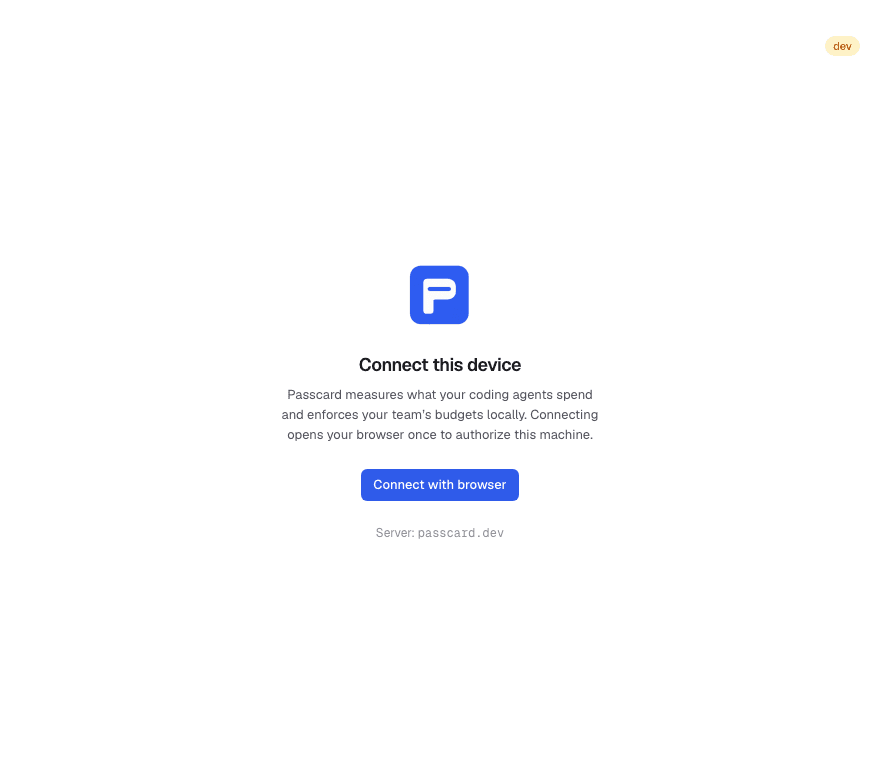
In Passcard, choose Connect with browser. Sign in, create a workspace if needed, then select and confirm it on Connect this computer.
2. Enable log reading
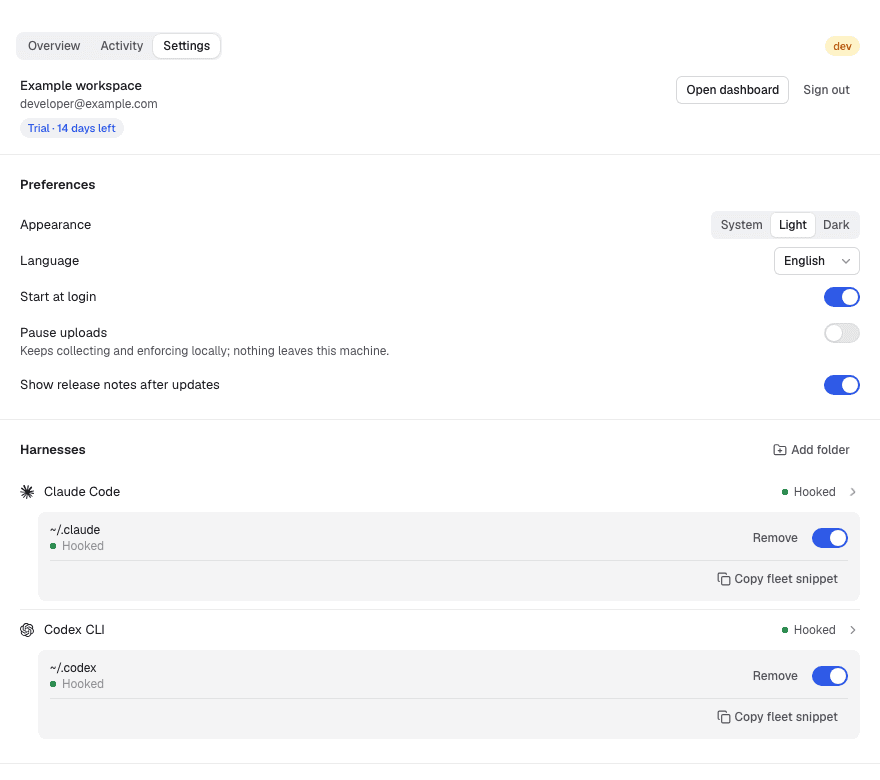
Open Settings → Harnesses → Claude Code. Enable Read this folder for your agent home, usually ~/.claude. Logs live under projects.
For a custom CLAUDE_CONFIG_DIR or another profile, choose Add folder, select the home itself, choose Claude Code, then Add. Terminal variables may not reach desktop apps.
3. Check one session
Complete a short local Claude Code task. In Passcard, turn off Pause uploads, choose Scan on Overview, and wait for uploads to finish. Resolve any error before choosing Retry.
Optionally, map the repository in the project inbox. See the internal walkthrough.
Reading the cost
Input, output, cache reads and cache writes have separate rates. Passcard keeps the last repeated message/request snapshot, skips <synthetic> model records, and separates one-hour writes from total cache creation.
Costs are calculated from recorded tokens and model API prices. Subscriptions, credits and discounts can change your bill.
Not hooked does not block reading. Optional budget hooks need installation and a running desktop app; delayed logs or concurrent work can exceed a threshold.
Missing usage?
- Expired pairing link: choose Open the link again. Wrong workspace: sign out and reconnect.
- No logs yet: check the home, enable reading and finish a local session. Deleted logs and sessions never saved locally cannot be reconstructed.
- Empty dashboard: check upload errors, workspace, person and dates.
- Different total: compare the same completed session and normalized counts. Check the cost details for missing prices or fallback rates.
Contact support with app/agent versions, OS and error text. Omit raw transcripts, credentials and device tokens. Uploaded metadata excludes prompts and file contents.